![logo-1.png]](https://support.propnow.com/hs-fs/hubfs/logo-1.png?height=40&name=logo-1.png)
IMPORTANT: The following steps should be proceded after the first offer process is finished/closed. If the offer process from before is not closed please follow this step:
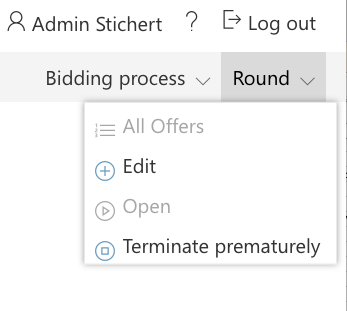
If your process is still open you will to close at first the round prematurely (neccessary to do before step 1 and 2!), you can find this button in the menu "Round":
1. Click on the button "Sale Wizard":

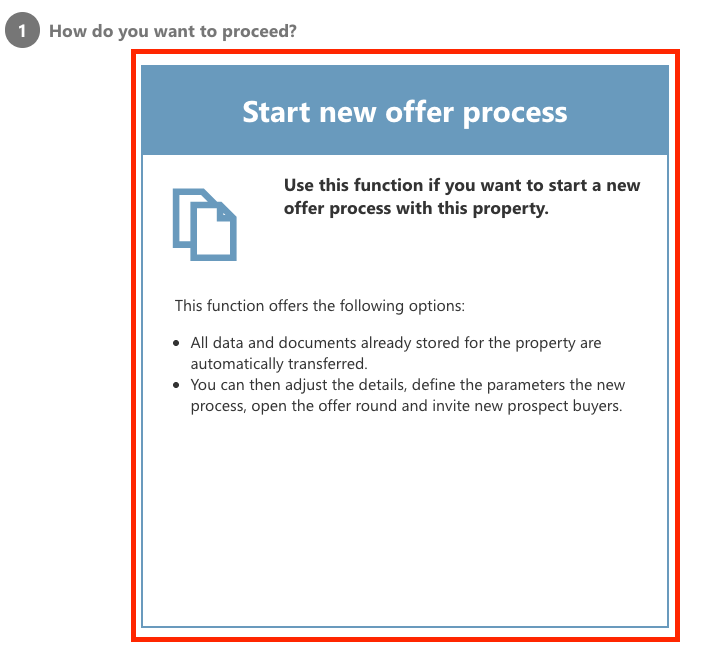
2. Click the tile "Start new offer process":
3. Agree with the user agreement and the data protection: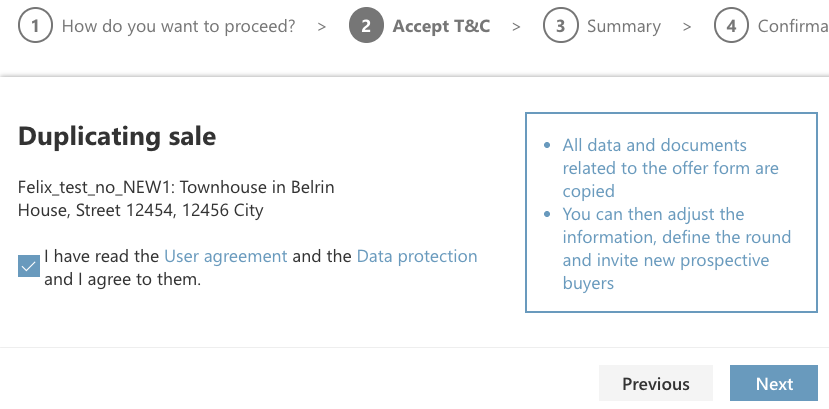
- All data and documents related to the offer form will be copied
- You can then adjust the information, define the round and invite new prospective buyers
After the summary, you click next and confirm the duplication and click on "Continue to the duplicated sale" 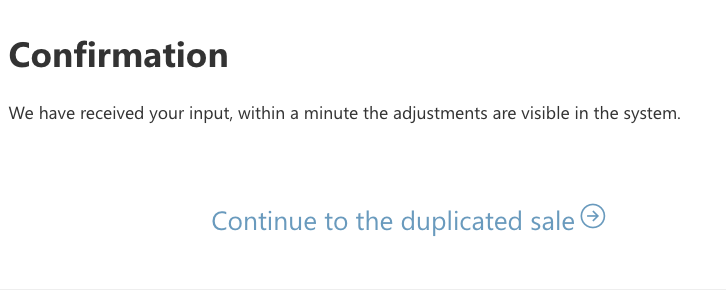
Now check all the informtation into the fields for the offer letter and choose the offer process type: 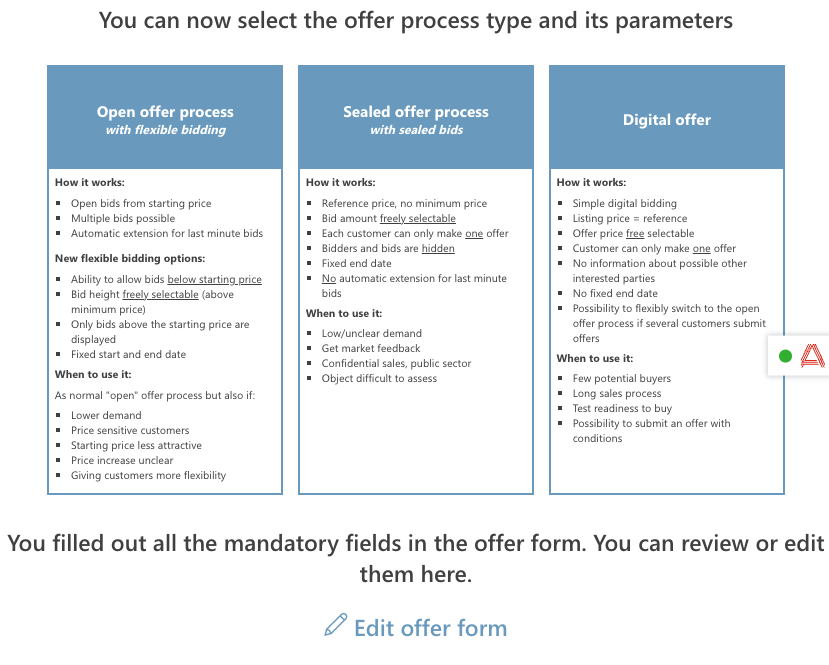
Add the new key parameters, like Start date, End date and so on and the next step invite your prospective buyers.
If you need more support, just let us know and we are happy to help you!