![logo-1.png]](https://support.propnow.com/hs-fs/hubfs/logo-1.png?height=40&name=logo-1.png)
You can find the offerhub in the property→listing details→"OPEn IN IBID" like see below:
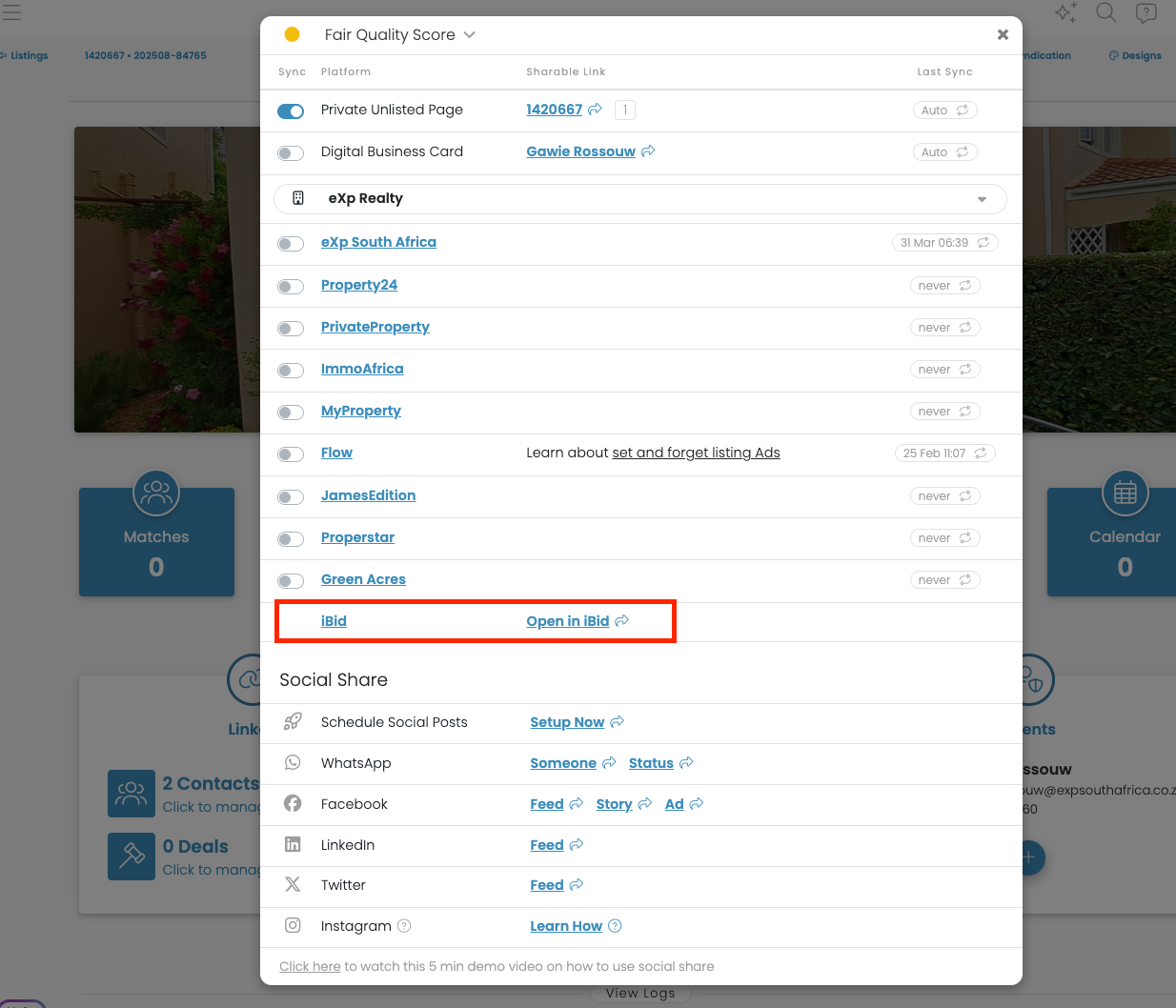
--> Press OPEN IN IBID and the setup for the process of this property will be started and you are logged in into iBid.
You will create and start the offer process in three steps:
a) Preparation of the offer letter: Many existing details will be automatically synchronized between PropCon and PropNow. Make sure all mandatory fields are filled up!
b) The selection the offer process type and its parameters Define the timeline and much more!c) Invite the interested buyers Send the interested buyer an invite via e-mail and SMS with the offer hub and give them the possibility to place their offers.
TEST THE PROCESS: Where can I find the test process of the iBid offer hub powered by PropNow?
After you have followed the step 1. Above to go into the offerhub, you will see the following screen:
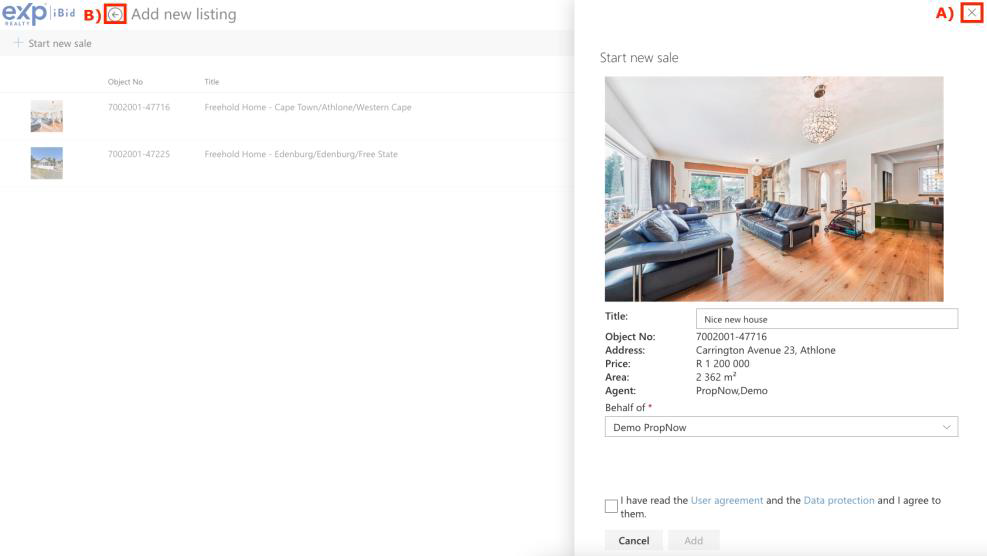
Press A) to close this window
Press B) to come to an overview of all your processes, then the following screen will appear:
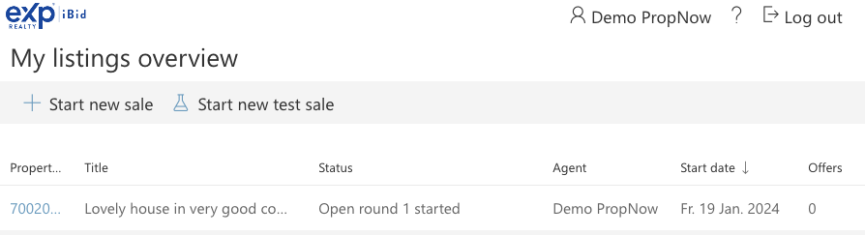
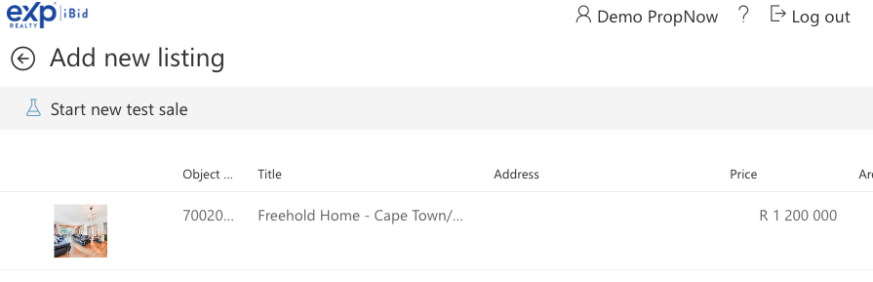
Then press the Button “Start new test sale” and choose the property for which you would like to do the test process. If you want to create a dummy property, press again test sale without choosing a property:
If you need more assistance, just get on touch with us over: contactpage
We are looking forward to hear from you!
Your PropNow Team